Top Apps
Tumblr—Fandom, Art, Chaos
Speed test 4G 5G WiFi & maps
TeraBox: 1TB Cloud & AI Space
Aloha Private Browser - VPN
Audio Video Noise Reducer
2Accounts - Dual Apps Space
one sec | app blocker, focus
منطوق - كتب صوتية
Betternet: Fast VPN Hotspot
Lens Launcher
China Online Shopping App
Norton360 Antivirus & Security
Fake Call - Prank
My Study Life - School Planner
Voice Changer by Sound Effects
Apps Zone
All Rights Reserved © Apps Zone 2026
HD Camera
Capture Stunning Photos with Pro-Level Features on Android
Varni Photo Studio
Review (3.8)
Reviews
+4K
Downloads
+1000K
Security
Safe
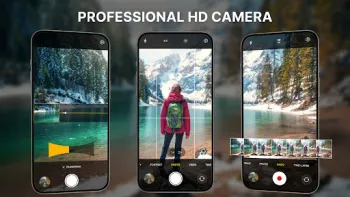
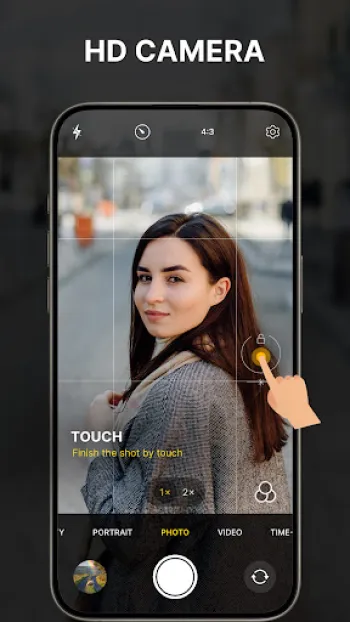
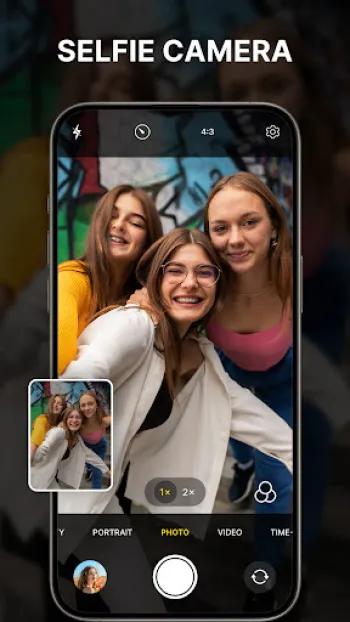
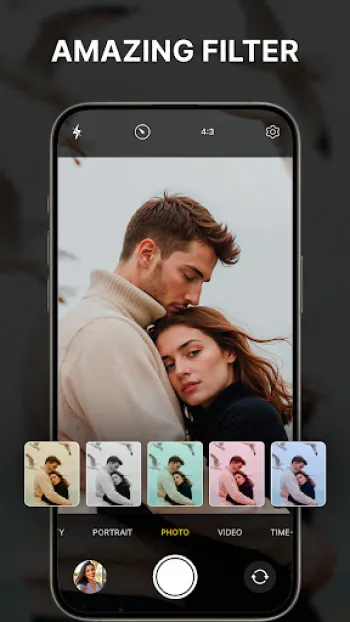
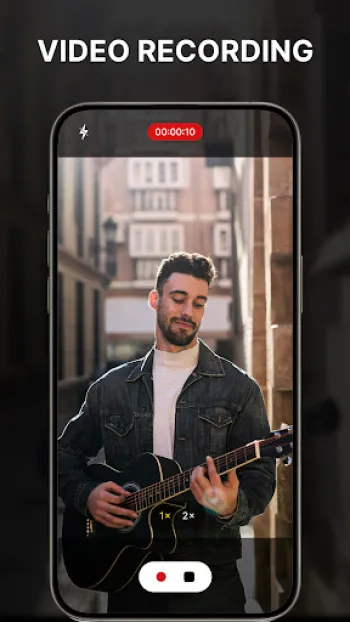
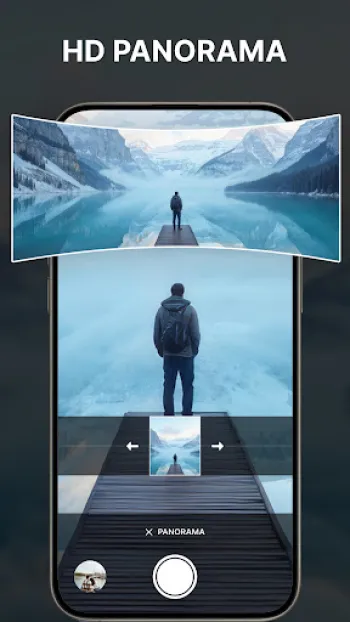
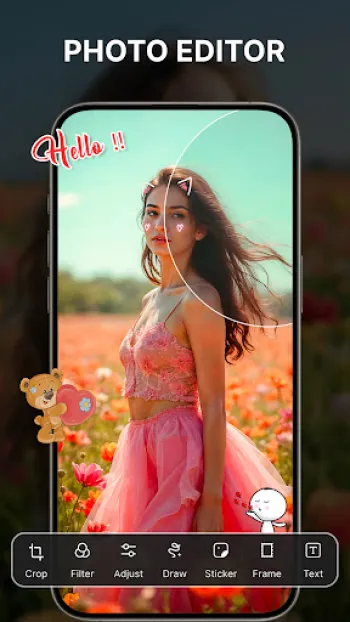
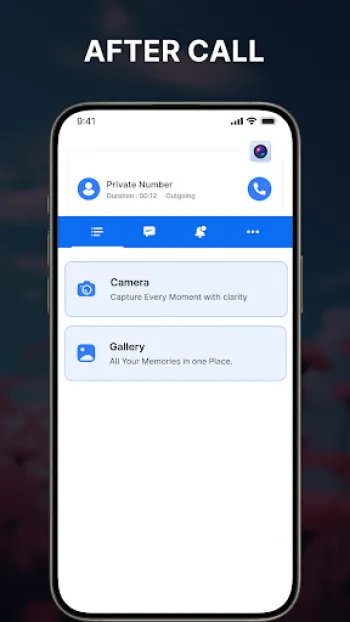
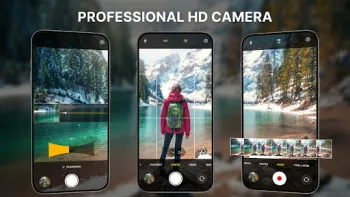
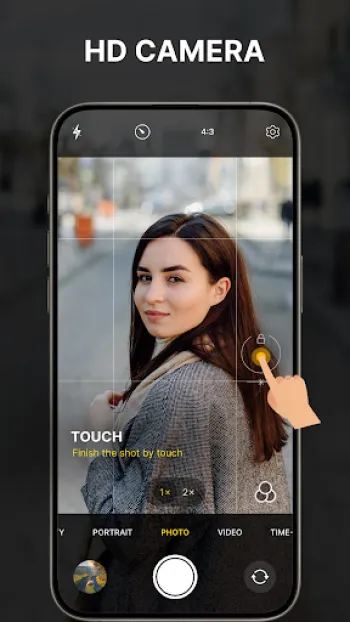
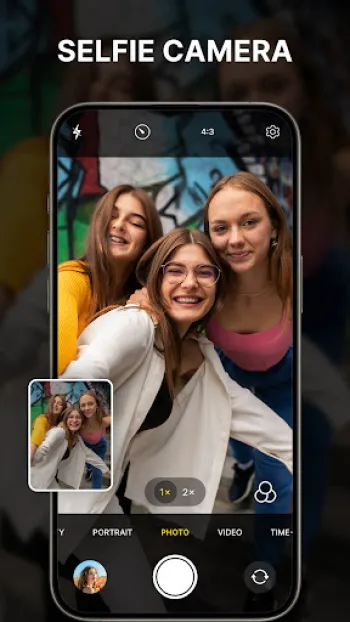
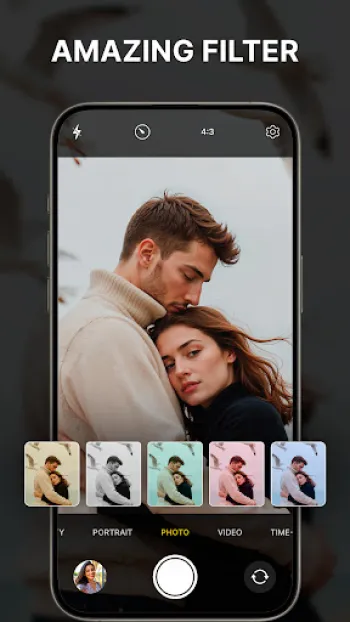
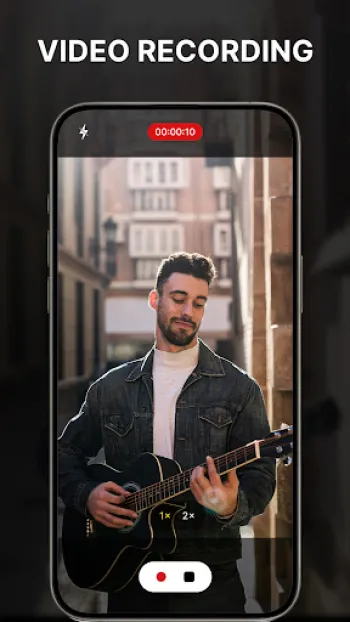
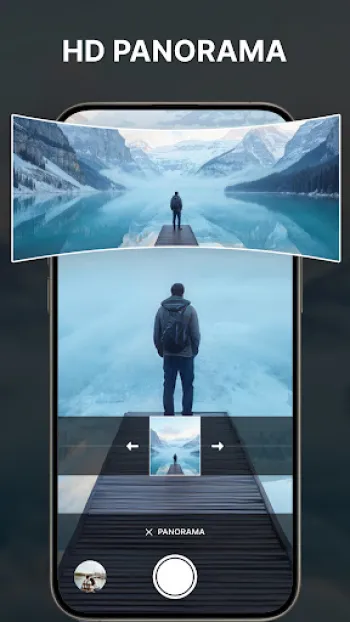
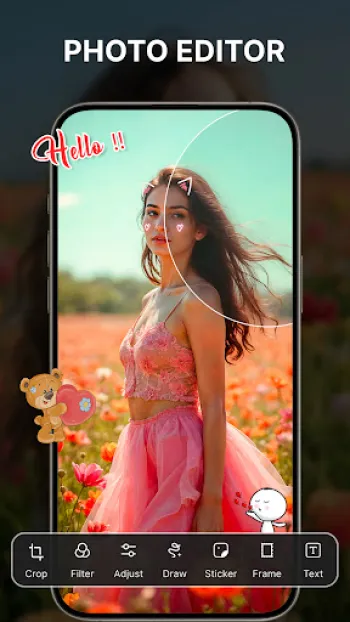
Advanced Camera Technology and Pro-Level Features in HD Camera Apps
The advent of professional camera applications on smartphones has revolutionized the way we capture and preserve moments, pushing the boundaries of what was once only possible with dedicated DSLR or mirrorless cameras. One of the core pillars of these apps is their ability to offer advanced camera technology empowering users with control over critical photographic parameters such as ISO sensitivity, shutter speed, focus, white balance, and exposure compensation. This manual control, often termed “Pro Mode,” replicates the hands-on experience of professional photography, allowing enthusiasts and experts alike to refine their shots precisely, regardless of lighting conditions or subject movement. For example, in low-light environments, increasing ISO manually while adjusting shutter speed results in clearer, noiseless images, something automatic modes typically struggle with. Furthermore, the integration of 4K video recording capabilities in these apps offers ultra-high definition capture, catering not only to photographers but also to videographers seeking cinematic quality on their mobile devices. These professional camera applications also include features such as panorama shots, where multiple images merge seamlessly to create wide-angle vistas, and timer modes useful for group portraits or long exposures. The incorporation of real-time beauty filters and live previews reduces the gap between imagination and reality, enabling users to visualize how adjustments affect the final image instantly. Additionally, face detection and auto-focus algorithms ensure subjects remain sharply focused without requiring manual refinements, essential for capturing fleeting moments or dynamic scenes. This hardware-software synergy is achieved by interfacing directly with the smartphone’s camera API, extracting full control and optimizing image processing pipelines for richer colors, enhanced dynamic range, and reduced noise levels. Moreover, these apps often deploy computational photography techniques, combining multi-frame exposures to extend dynamic range or creating bokeh effects traditionally attainable only with depth sensors or wide-aperture lenses. In essence, the professional camera application transforms smartphones into versatile imaging hubs, tailored for creatives who demand more than basic point-and-shoot functionality, blending manual freedom, intelligent automation, and ultra-high resolution outputs to foster unparalleled photographic journeys.
Technical Architecture and Image Processing Capabilities of Pro Camera Apps
The core of a professional-grade camera app lies in its sophisticated technical architecture and ability to seamlessly manage complex image processing workflows within the constrained environment of a smartphone. At the frontend, an intuitive and responsive user interface harnesses native elements like touch gestures, manual sliders, and focus peaking overlays to deliver real-time feedback as users adjust capture parameters. Behind this lies an intricate interaction with the device’s hardware abstraction layer, where direct control of CMOS sensors, lens actuators, and image signal processors (ISP) enables fine-grained manipulation of raw sensor data. The application firmware communicates with the camera’s driver to lock exposure, tweak ISO settings, or initiate burst shooting modes with minimal latency. Once raw image data is acquired, the real prowess of the app emerges through its multi-stage image processing pipeline. Initial demosaicing converts Bayer filter data into full-color imagery, followed by noise reduction algorithms that intelligently preserve detail while suppressing sensor artifacts, especially vital when shooting in high ISO settings or low light. Tone mapping and high dynamic range fusion are applied to ensure rich shadows and highlights coexist naturally, thereby overcoming the limitations of a single exposure. Color science in professional camera apps is meticulously tuned to replicate true-to-life saturations and hues or alternatively, to provide distinct artistic profiles reminiscent of film stocks or color grading presets. Further layers consist of distortion correction to rectify wide-angle lens artifacts, sharpening filters tailored to accentuate textures, and vignetting or lens flare effects to enhance aesthetic appeal. Additionally, the built-in photo editor embedded within these apps leverages GPU acceleration to enable real-time edits on high-resolution images, including crop adjustments, graduated filters, and retouching tools. The app’s ability to process 4K video is equally formidable, involving frame-by-frame noise control, image stabilization algorithms compensating for involuntary shakes, and color grading filters that simulate cinematic looks. Advanced features like timelapse and vlog modes offer automated interval shooting and preset transitions, allowing creators to craft engaging multimedia narratives without external software. The seamless orchestration of these technical components while conserving battery life and maintaining responsive capture speeds represents a significant software engineering challenge the best professional camera apps master, resulting in an end user experience that blurs the line between smartphone convenience and professional imaging hardware.
Creative Photography Techniques and Artistic Expression Enabled by Professional Camera Apps
Professional camera applications have opened new horizons for artistic expression among photographers at all skill levels, enabling them to explore creative techniques that previously required costly equipment and specialized expertise. The manual controls on exposure variables empower users to engage with fundamental photography principles such as long exposure, motion blur, and light painting. For instance, setting a slow shutter speed with low ISO and stable tripod support captures cascading waterfalls with ethereal smoothness or transforms busy city streets into streams of light trails, enhancing storytelling through motion. Furthermore, controlled aperture mimicry via digital zoom and focus adjustments facilitates shallow depth-of-field effects, the coveted bokeh background blur that makes subjects pop in portraits or macro photography. Sophisticated scene modes like panorama stitching extend the frame beyond the constraints of the lens, inviting users to compose panoramic landscapes that immerse viewers. Beyond technical adjustments, professional camera apps enrich creativity with a versatile arsenal of filters, overlays, and real-time effects such as sepia tones, monochrome conversions, cross-processing hues, and vintage film looks. These stylistic tools allow photographers to craft moods and narratives directly during capture, eliminating the cumbersome post-production process and fostering spontaneous experimentation. The integrated montage and photo collage functionality invites exploration of juxtaposition and multi-frame storytelling, enabling users to combine multiple perspectives or timelines into harmonious compositions. Moreover, beauty filters refine skin tone, smooth imperfections, and apply makeup effects in selfies, transforming casual portraits into polished imagery tailored for social media or personal branding. The presence of time-lapse and vlog modes facilitates dynamic storytelling, where slow changes in a scene or curated sequences are accelerated and combined with background music and captions for compelling visual narratives. With these capabilities in-hand, photographers transition from mere recorders of moments to artists shaping perception, emotion, and atmosphere, all through a pocket-sized device. By lowering the entry barriers to complex photographic concepts and providing instant visual feedback, professional camera apps inspire a democratization of creative photography, encouraging users to transcend technical proficiency and delve into imaginative visual storytelling.
Integration of AI and Real-Time Enhancements in Modern Camera Applications
Artificial Intelligence (AI) integration stands at the forefront of innovation in contemporary professional camera applications, driving a quantum leap in image quality, efficiency, and user-friendly enhancements. These apps increasingly utilize AI-driven algorithms to perform complex analyses of scenes, subjects, and lighting in real-time, enabling automatic adjustments that rival or surpass manual configurations. For instance, AI-powered auto-focus systems use intelligent face and object recognition to prioritize and maintain crisp focus on moving or multiple subjects, ensuring critical details remain sharp amidst dynamic compositions. Exposure and white balance settings are continuously calibrated by neural networks trained on vast image datasets to optimize color accuracy and brightness without user intervention. In scenarios involving low light or high contrast, AI-based HDR blending techniques merge multiple exposures instantaneously, generating images with balanced highlights and shadow details that preserve natural ambiance. Moreover, machine learning models underpin real-time noise reduction engines that adapt filter strength contextually according to image content, preserving texture where necessary while smoothing unwanted grain effectively. Makeup and beauty filters employ deep learning to subtly enhance facial features, skin texture, and tone, delivering natural yet polished selfies with options for customization. Computational photography techniques such as background segmentation use AI to create portrait mode effects by intelligently separating subjects from their backgrounds and applying synthetic bokeh or customizable blur intensities. Furthermore, AI facilitates the detection and correction of lens distortion, chromatic aberration, and motion blur, producing cleaner images without post-processing. Video modes benefit from AI-guided stabilization frameworks that interpret sensor data and video frames to counteract shaky hands or movement, generating smooth footage suitable for professional applications. Besides image enhancement, AI elevates user interaction by suggesting best shots, automatic scene modes, and smart compositional tips. These intelligent features reduce the technical overhead and empower photographers to focus on creativity rather than technical minutiae. As the power of mobile processors and AI accelerators grows, the symbiosis between professional camera apps and artificial intelligence will deepen, heralding an era where computational mastery augments human artistry seamlessly upon every capture.
User Experience, Accessibility, and Platform Support in HD Camera Applications
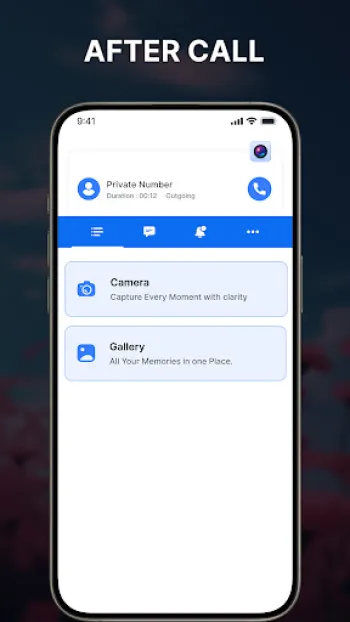
The ultimate success of any professional camera application hinges equally on its commitment to delivering a polished user experience, accessibility, and broad platform compatibility, ensuring that cutting-edge photographic technology is within reach for a diverse global audience. Designing an intuitive yet feature-rich user interface requires balancing simplicity with versatility — beginners seek easy walkthroughs and presets, while advanced users demand granular manual controls and customizable settings. This is achieved through adaptive UI frameworks that contextualize options based on the selected mode or device capabilities, employing high-contrast icons, responsive sliders, and real-time previews that convey immediate visual feedback. Accessibility features such as voice commands, screen reader compatibility, and adjustable control sizes further democratize the app’s usability among users with disabilities, fostering inclusiveness without compromising professional-grade functionality. Performance optimization plays a crucial role in multi-platform support; efficient memory management and hardware acceleration ensure smooth 4K video recording and high-resolution photo processing even on mid-range Android devices. Cross-device syncing of settings and photos via cloud integration enhances workflow continuity, allowing users to edit on tablets or transfer images effortlessly to computers. Regarding platform support, although Android dominates in flexibility and hardware diversity, professional camera apps increasingly explore iOS and desktop environments to expand their reach. However, constraints originate from operating system API differences and hardware variations, compelling developers to tailor features accordingly. Strategic integration of functionalities such as “After Call” quick access on Android exemplifies innovative user-centric enhancements, enabling spontaneous capture immediately after phone conversations without launching the app manually. Social sharing options embedded directly within the app streamline distribution of photos and videos across platforms and social networks, embedding creative expression into everyday communication. Importantly, strong community support through tutorials, in-app guidance, and user forums enriches learning curves, transforming casual photographers into skilled professionals. As the digital imaging landscape evolves, continuous iteration on usability, accessibility, and platform interoperability remains imperative for professional camera applications to maintain relevance, offering not just tools but immersive experiences that empower everyone holding a smartphone to become a photographer of distinction. Those interested in exploring such a versatile and powerful app can Download for Android and start capturing stunning images with pro-level features today.
Share Your Opinion
Your Email Will Not Be Published.






















All Rights Reserved © Apps Zone 2026
Nwaiwu Joseph Chibuike
clearer than what I have in my phone
Akash shukla akash shukla
Very very nice apps I can not may be sad howany my problem solve to in this apps thanks dslr all teal,,
Ashwin Brian Masiza
Wow, I just downloaded and use so I have a question to the developers, where have you been when we were installing these other fake DSLR apps?
ABILASH MANN
LOVE IT TOO MUCH ❤️
sandeep kuchekar
Very beautiful app... I searched everywhere.. but only this app has very nice colours.. we can adjust saturation.. Very beautiful.. 5 stars from me...